
LivePerson Conversational Cloud® platformPut conversations at the
center of your business
Accelerate your contact center transformation, supercharge agent productivity, and deliver more personalized customer experiences with the enterprise leader in digital customer conversations.
Get a demo
COMING MAY 23
Join Spark, our virtual product launch, to see the future of truly connected customer conversations
Digital-first since Day 1
Modern, asynchronous messaging has changed the way we communicate. 8 out of 10 consumers are more likely to purchase from businesses who embrace an omnichannel approach and connect conversations across voice and messaging channels, but 70% of customer conversations are still trapped in the call center.
LivePerson bridges the gap between the legacy call center and the digital-first, AI-empowered customer experience of the future. Our award-winning technology and team are here to help you:

So long, IVR hell
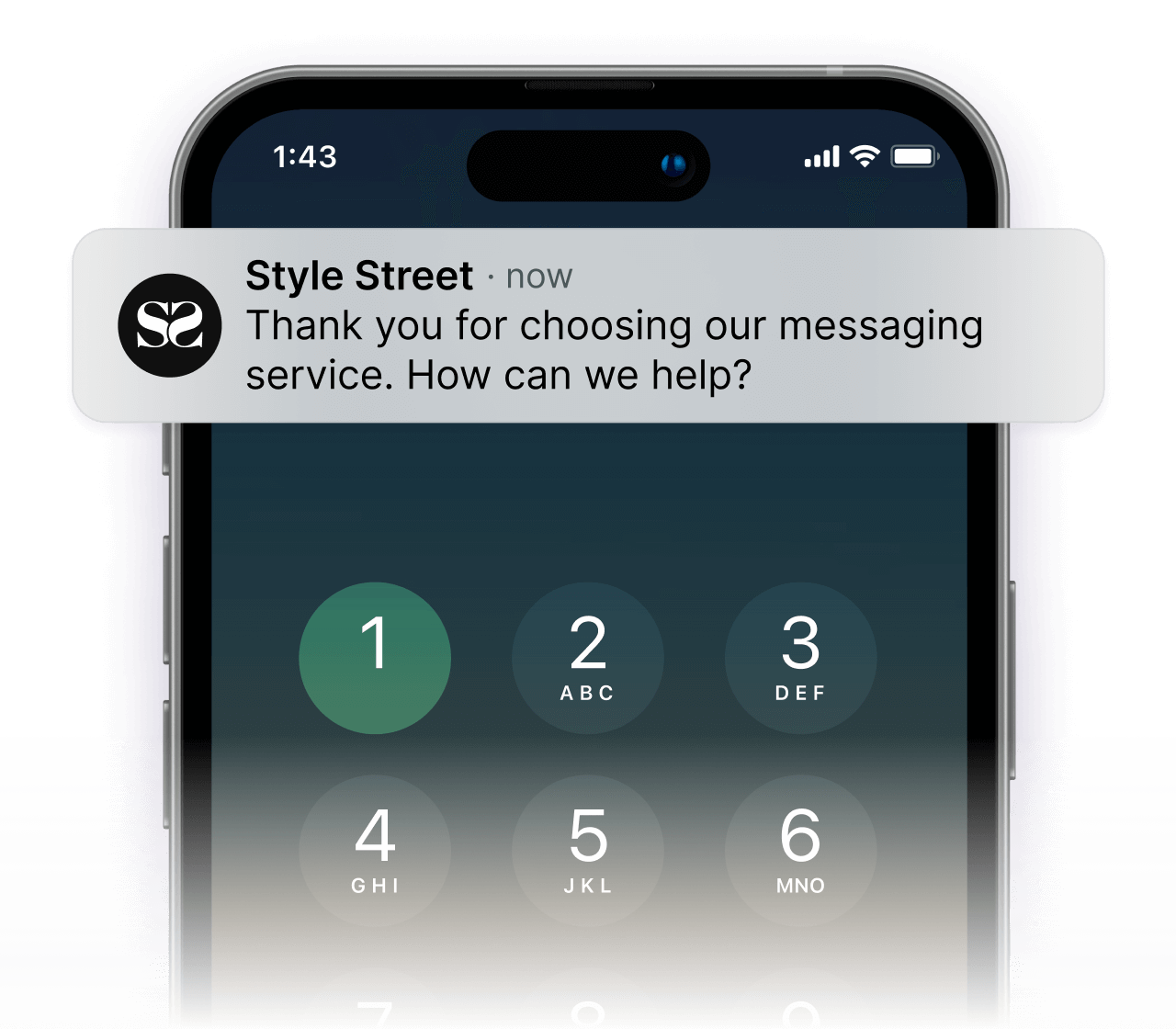
Shift to digital
Reduce costs and meet customer needs and expectations by routing voice calls to messaging and other digital channels.
{“30%+”: “reduction in operating costs”, “10%+”: “increase in CSAT”}
OUTCOMES
30%+
reduction in operating costs
10%+
increase in CSAT

So long, conversation siloes
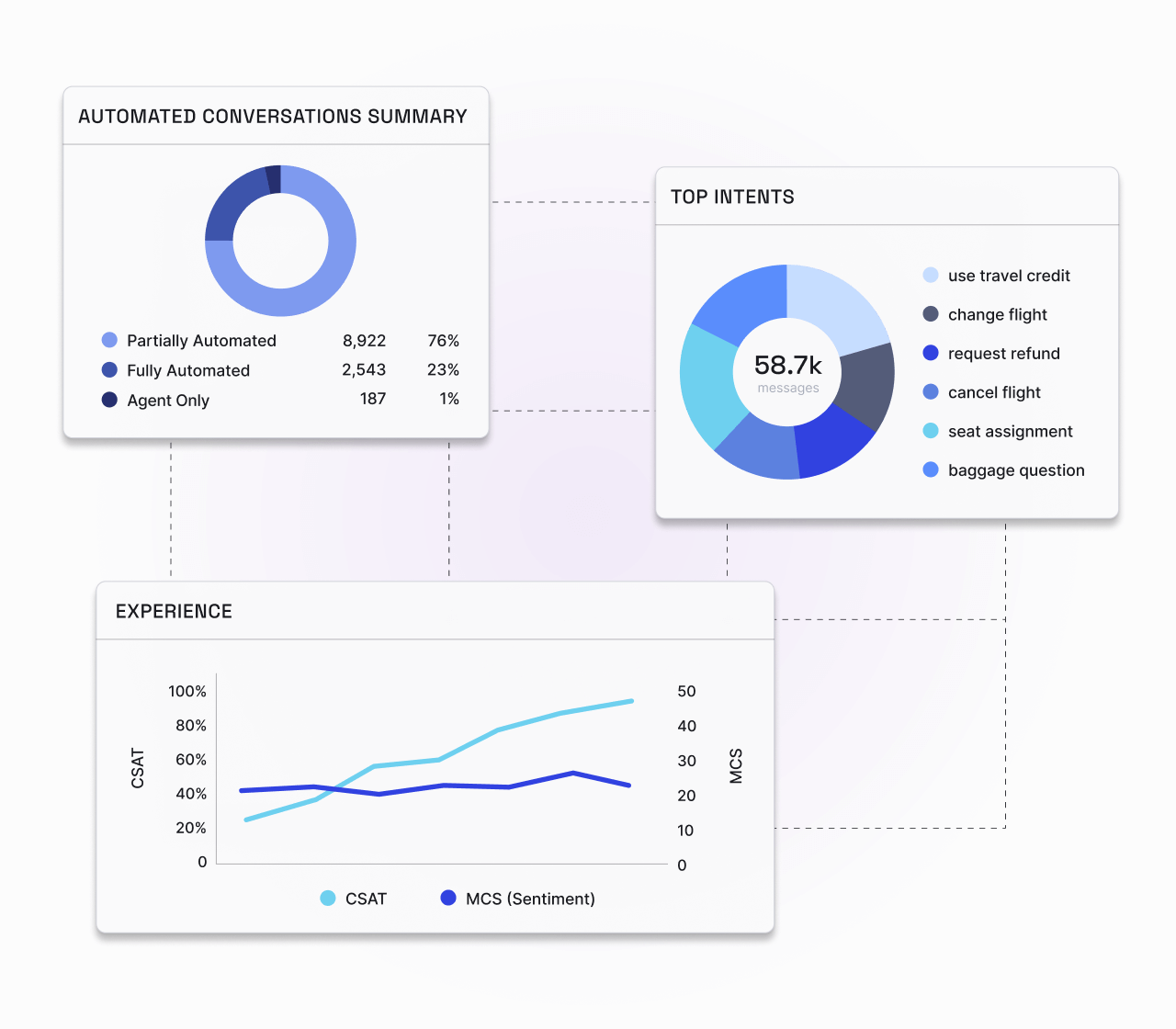
Empower your people
Give your whole team the conversational AI platform, tools, and intelligence to better serve your customers and your business, leveraging 28 years worth of conversational data.
{“50%+”: “decrease in agent attrition”, “25%+”: “increase in productivity”}
OUTCOMES
50%+
decrease in agent attrition
25%+
increase in productivity

So long, chatbot loops
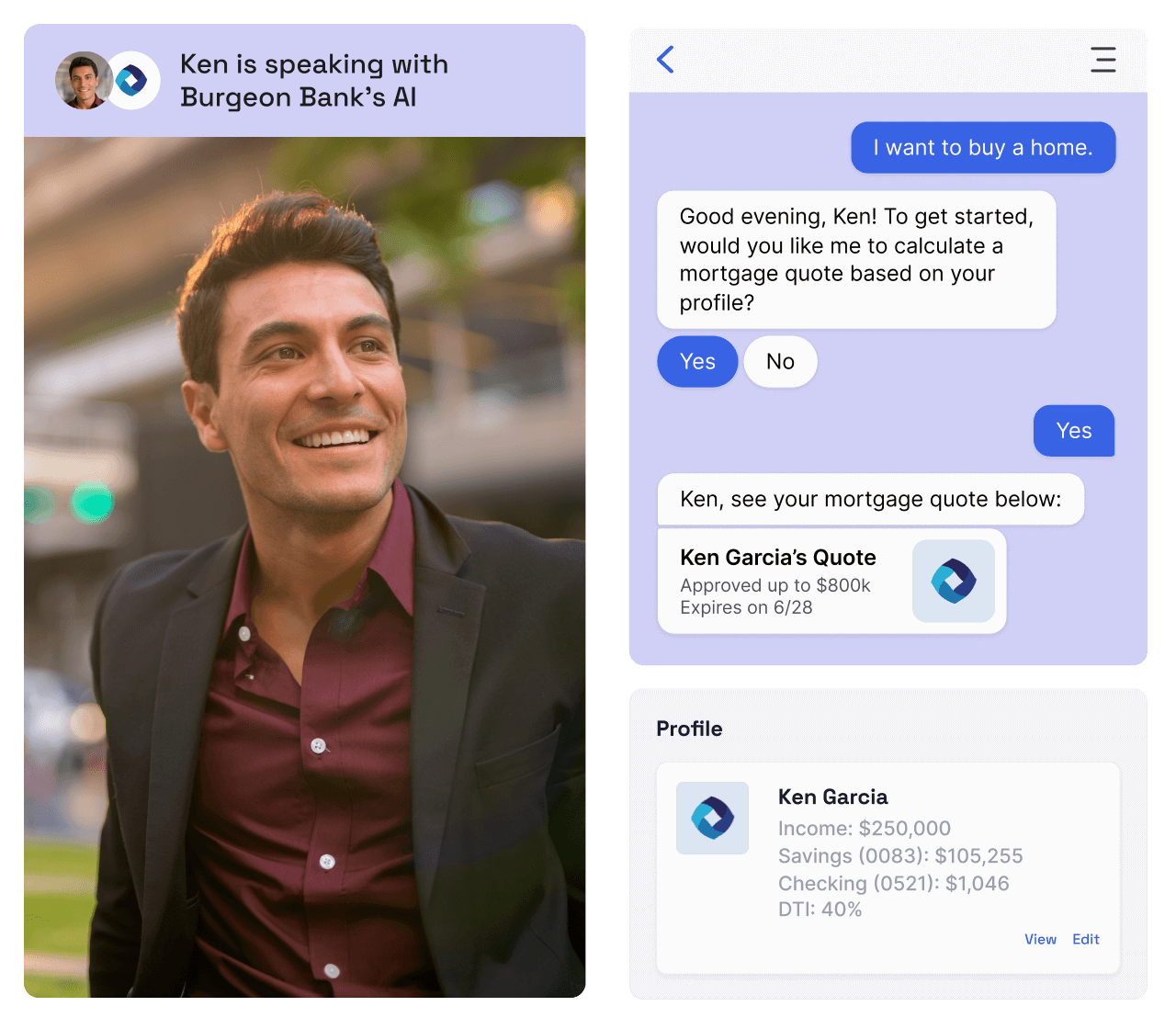
Embrace automation
Scale your conversations and free up your human agents by automating the most common — and complex — customer intents so everyone can get what they need, quicker.
{“50%+”: “reduction in operating costs”}
OUTCOMES
50%+
reduction in operating costs
Trusted by thousands of the world’s biggest brands
Built for enterprise scale and security, LivePerson’s Conversational Cloud® platform has helped some of the most beloved global brands digitally transform. From banking and insurance to telecom and travel, complexity and compliance is our specialty.






Real business outcomes to beat industry benchmarks
30%
reduction in operating costs
90%
automation rate
25%
customer satisfaction boost
10x
conversion vs traditional digital
50%
decrease in agent attrition
Accelerate your conversational journey with LP 360
We’ll build and manage your end-to-end conversation strategy — from agents to automation to guaranteed outcomes.
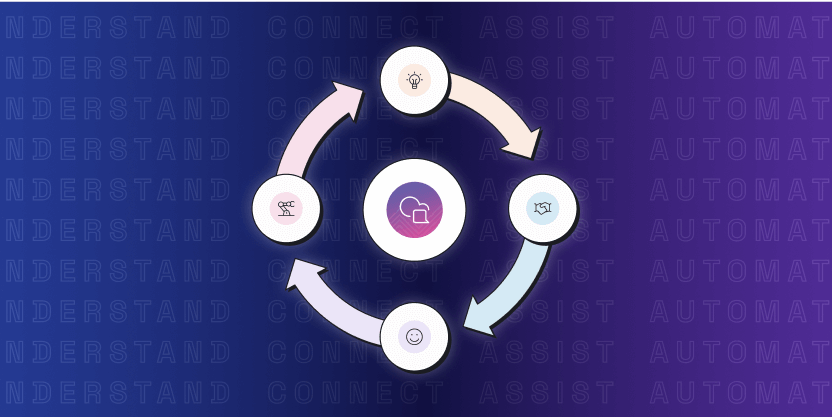
Bridge the AI gap with the Conversational Flywheel™
LivePerson’s enterprise solutions are built around a four-phase framework proven to accelerate contact center transformation.
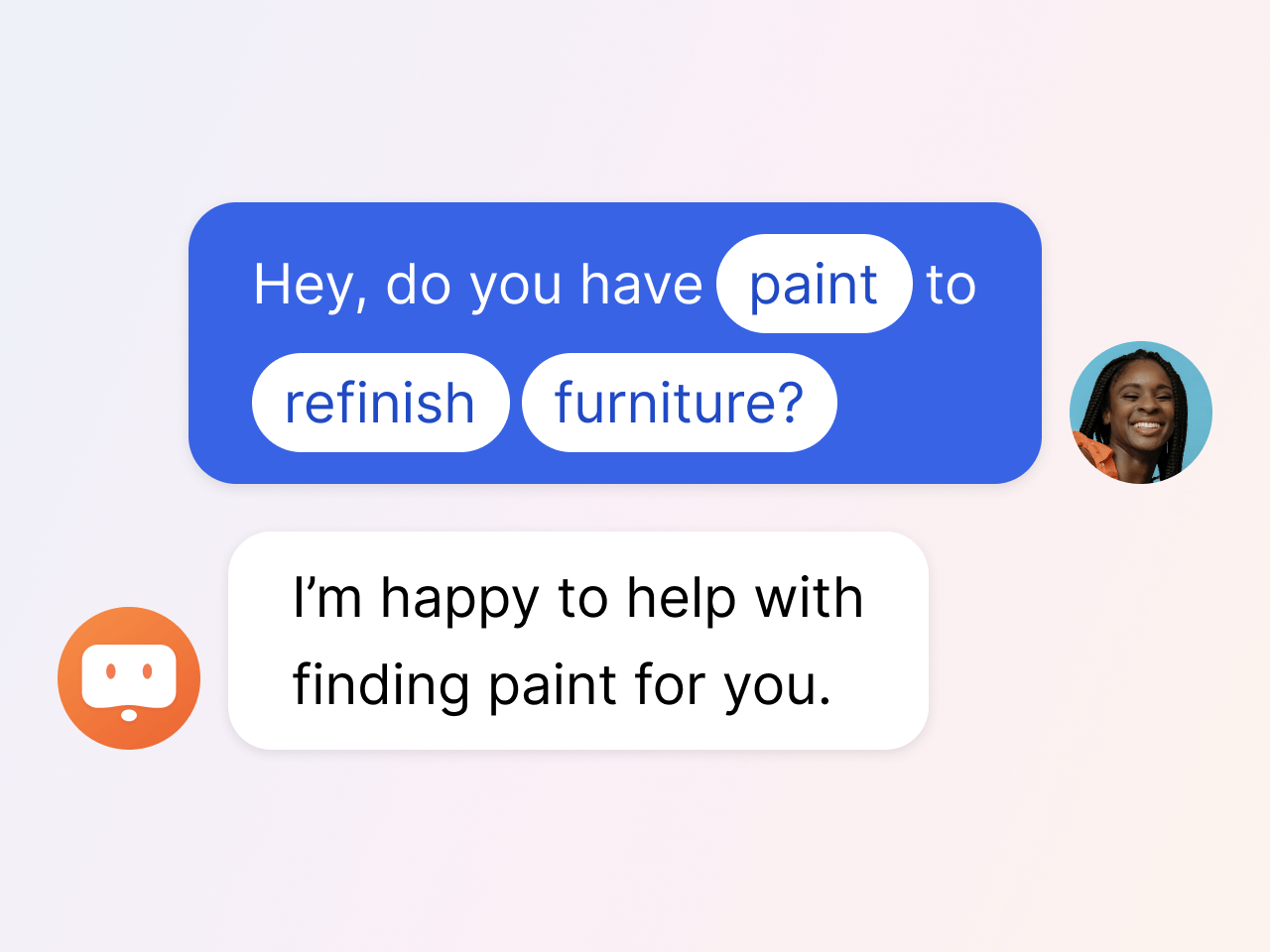
Understand
Analyze omnichannel conversation data to uncover the wants and needs of your customers. Identify top customer intents and uncover opportunities to continuously improve the customer journey.
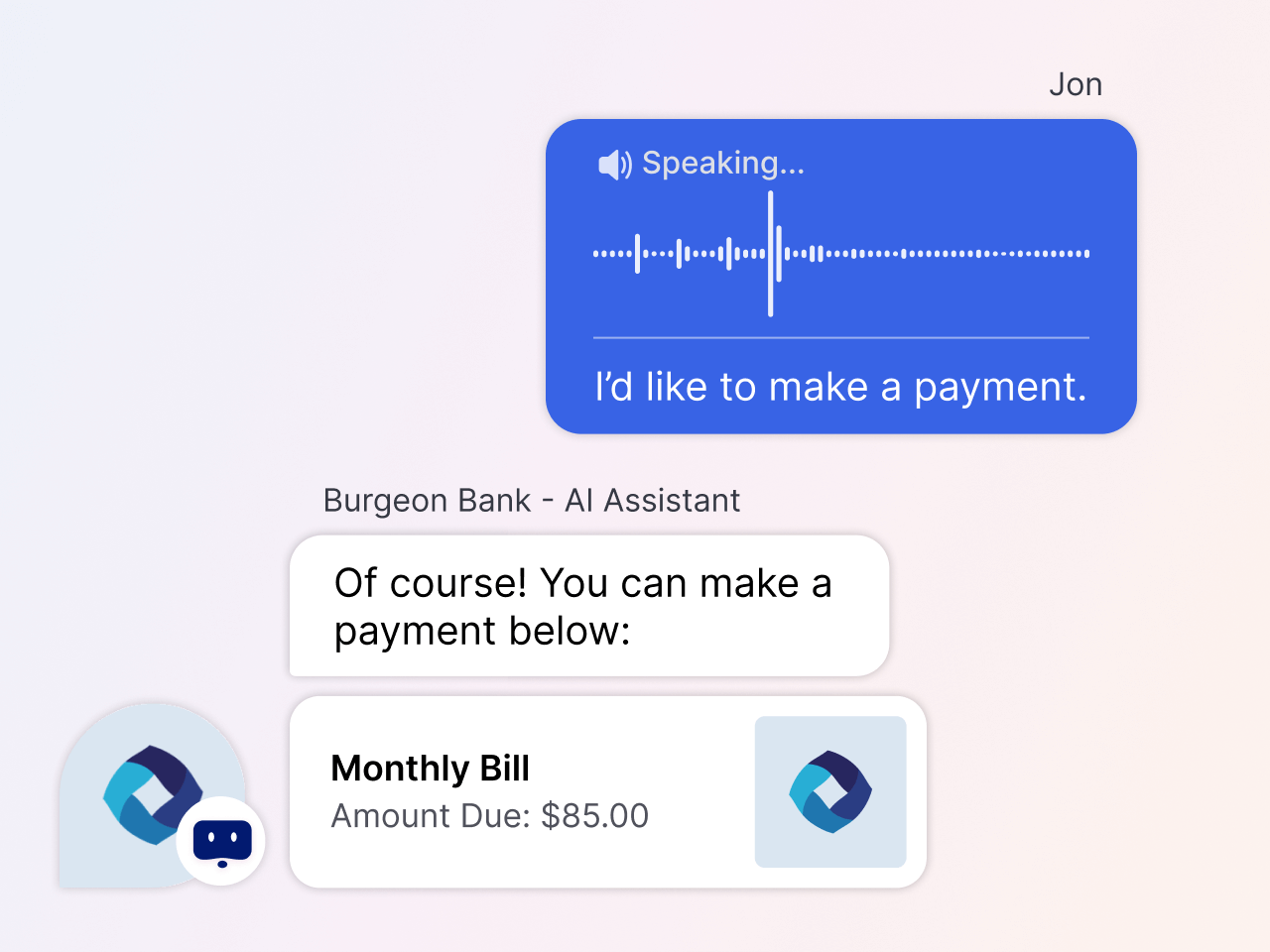
Connect
Engage customers on the channel of their choice — from voice calls to web, mobile, and social messaging — and integrate your enterprise systems for a truly connected customer experience.
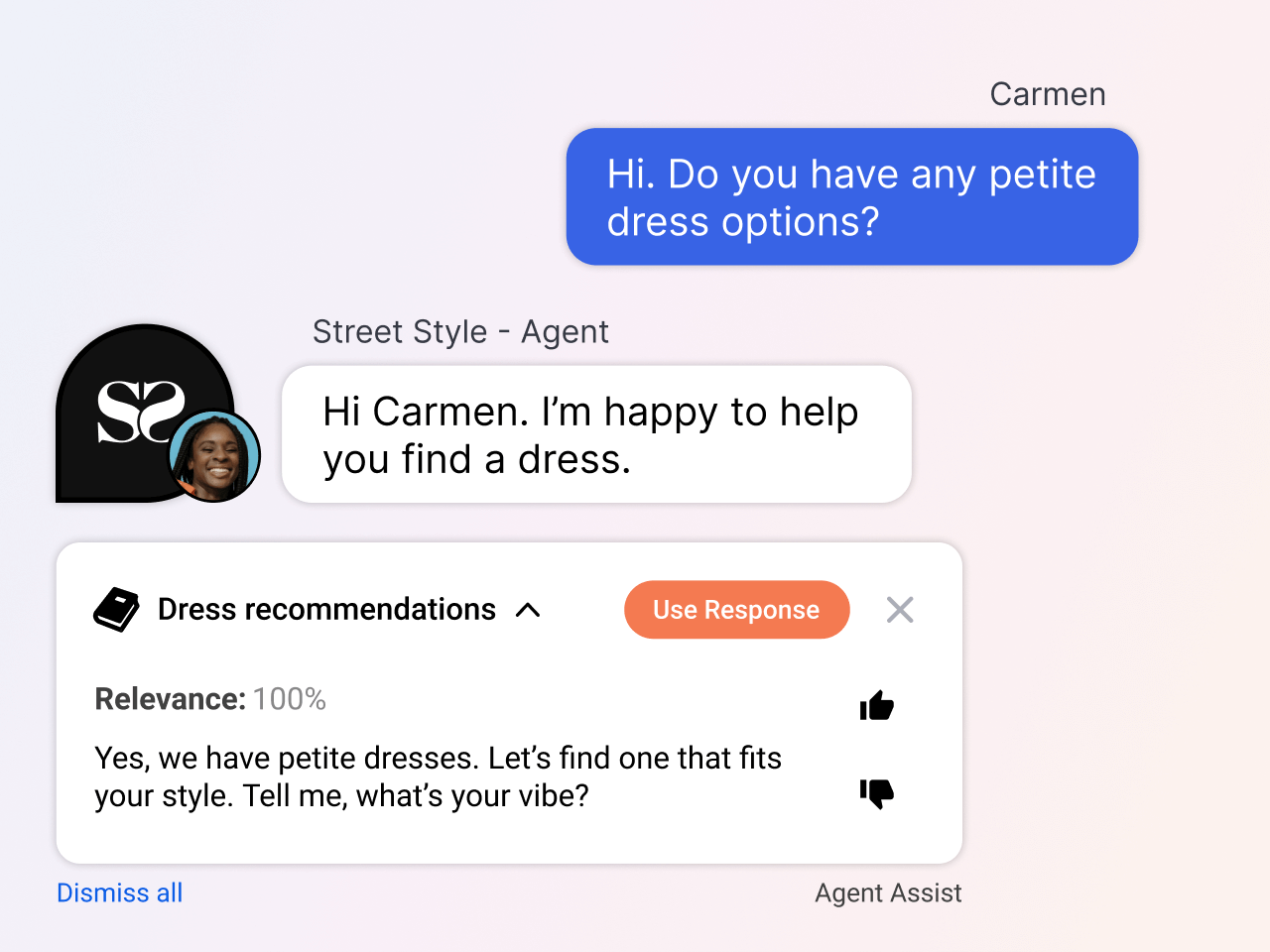
Assist
Empower your agents with a customizable workspace and the latest generative AI technology. Agent-facing AI keeps humans in control of the conversation while ensuring accuracy and boosting efficiency.
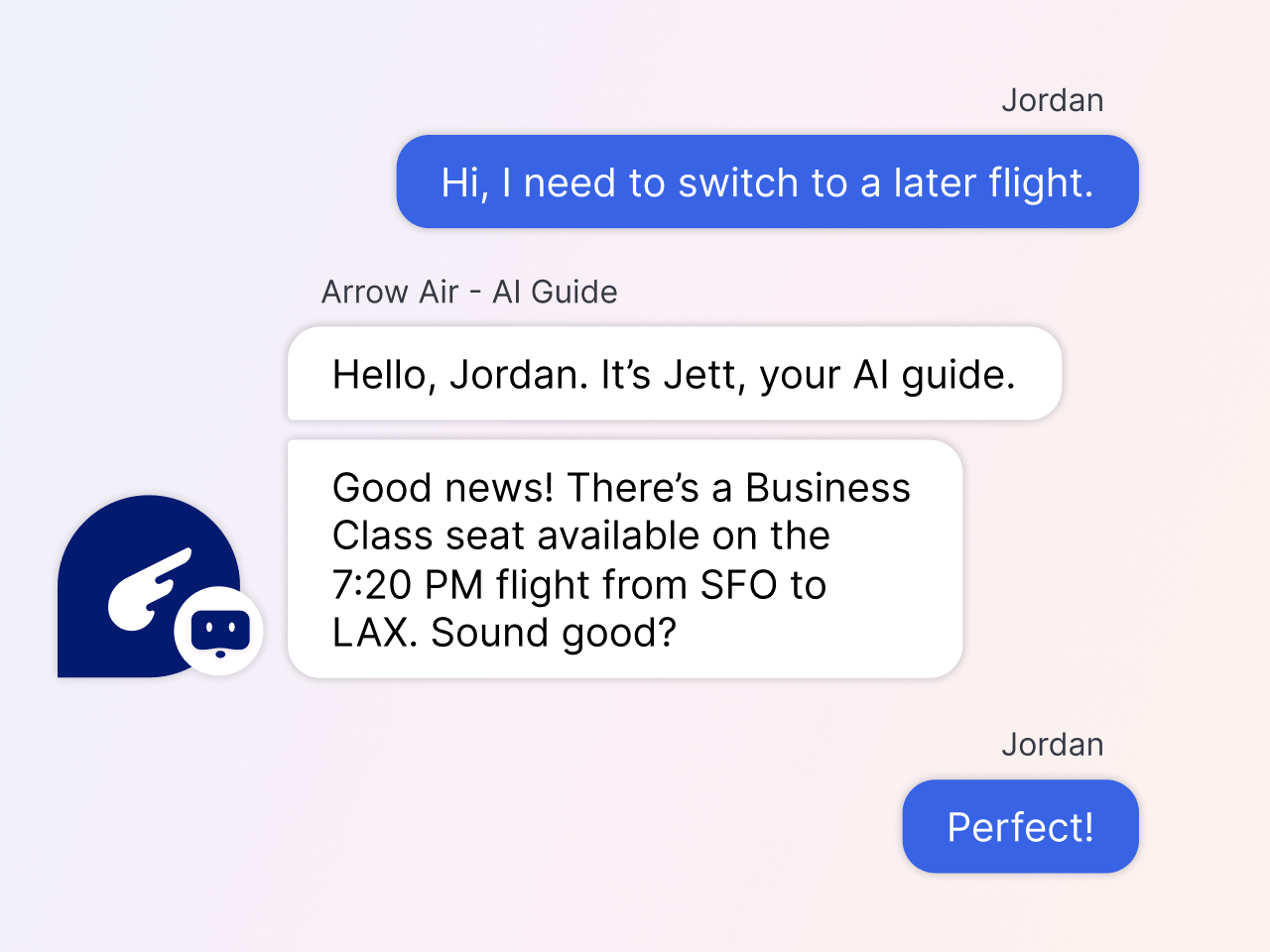
Automate
Drive self-service and faster resolutions through intelligent automation and specialized, LLM-powered AI agents.
Take a closer look at our digital customer conversations platform
See success stories from leaders like you

“On top of our successes to date with LivePerson’s Conversational AI and platform, LLMs and generative AI hold enormous promise to help us scale seamless and personalized conversations even further.”

“LivePerson’s omnichannel communication capabilities drive a better customer experience, while also improving agent efficiency. This, combined with LivePerson’s analytics tools and user-friendly platform, support CarGurus’ mission in providing drivers with a personalized, convenient, and transparent experience.”

“Everything we have done on this transformation journey has been about delivering exceptional digital experiences to our customers and our crews, to curate convenient, frictionless, engaging experiences aligned with our purpose to Cultivate a Better World.”
Recommended resources
On-demand demos
Experience our powerful AI tools at your fingertips
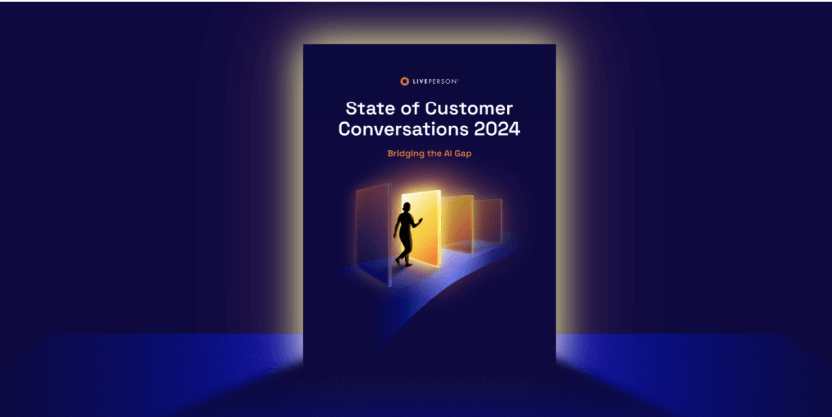
Get more resources
Browse our most-read blogs, industry guides, and more.
LivePerson in the news
Stay up to date on the latest press, featured stories, and more.